How to Set Up Heidi Sql
This guide will show you how to download and install HeidiSql on your Windows computer.
Step 1: Download Heidi Sql
Head over to the official HeidiSql website:
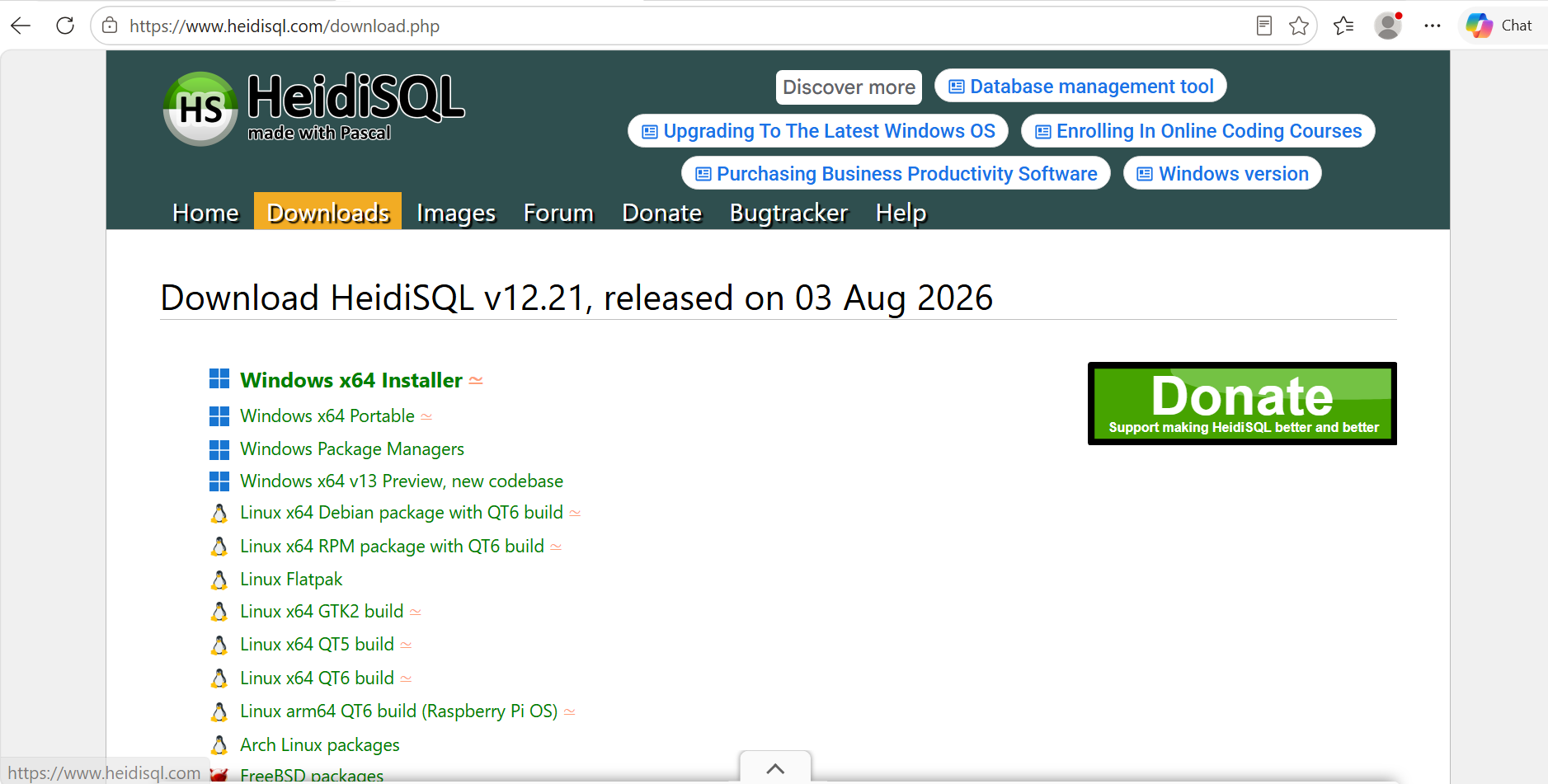
Step 2: Download Heidi SQL 64 Bit Installer
On the download page, find Windows x64 installer and download the latest version available.

Step 3: Install Heidi Sql
Once the download has finished, open your Downloads folder.
Double-click the Heidi Sql installer you just downloaded to start the installation.
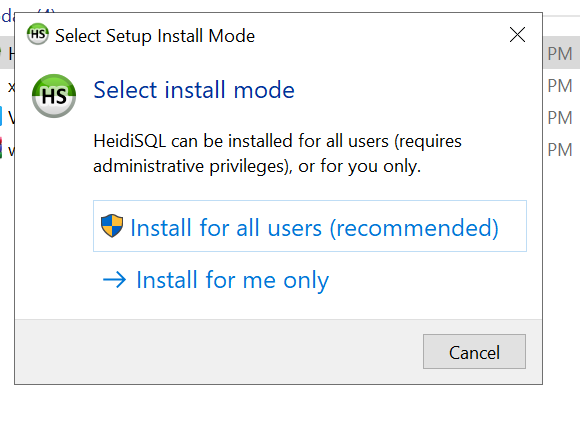
Click Install for all users! to begin installing HeidiSQL.
Step 4: Accept Terms
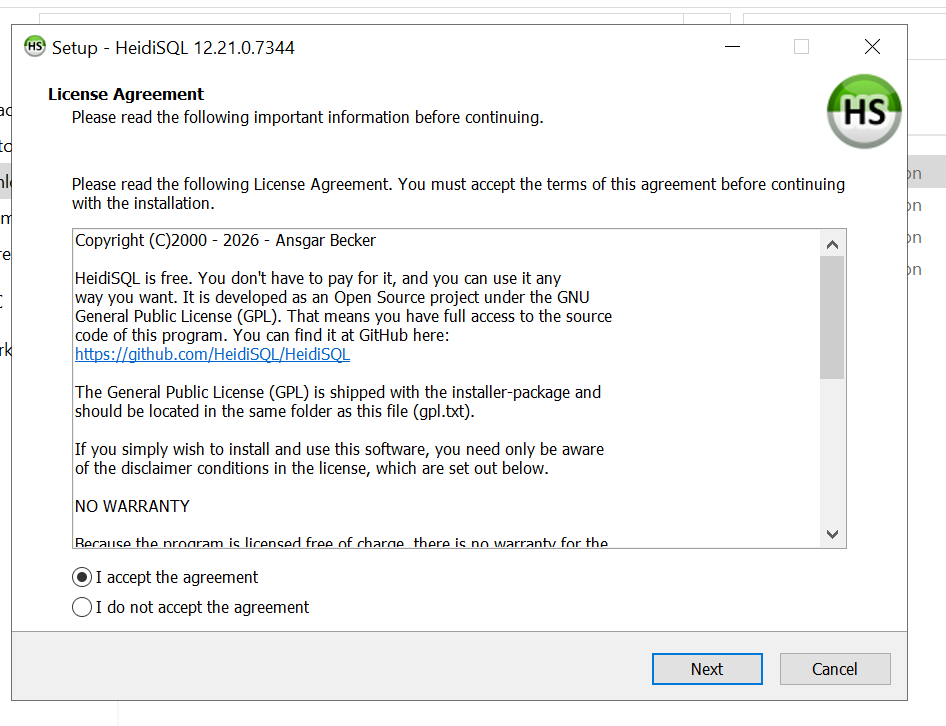
After that accept terms of heidi sql, you will see the Heidi Sql Agreement page
Simply click Next.
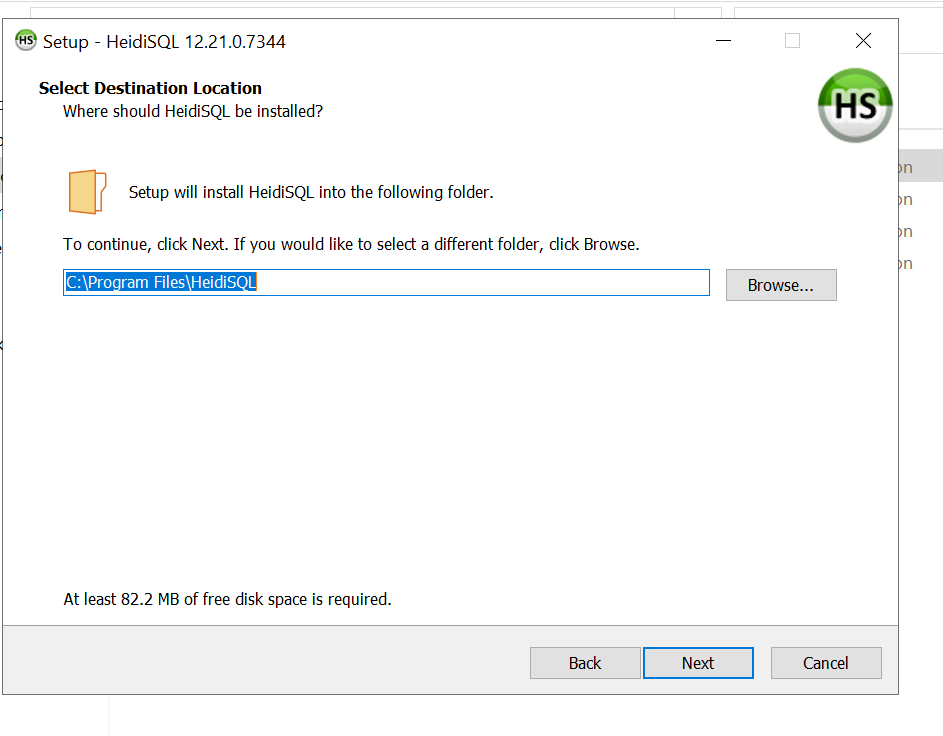
Then The Installation Path Page will show up simply click next where it installs is perfect for it you can change it but i dont recommend it!
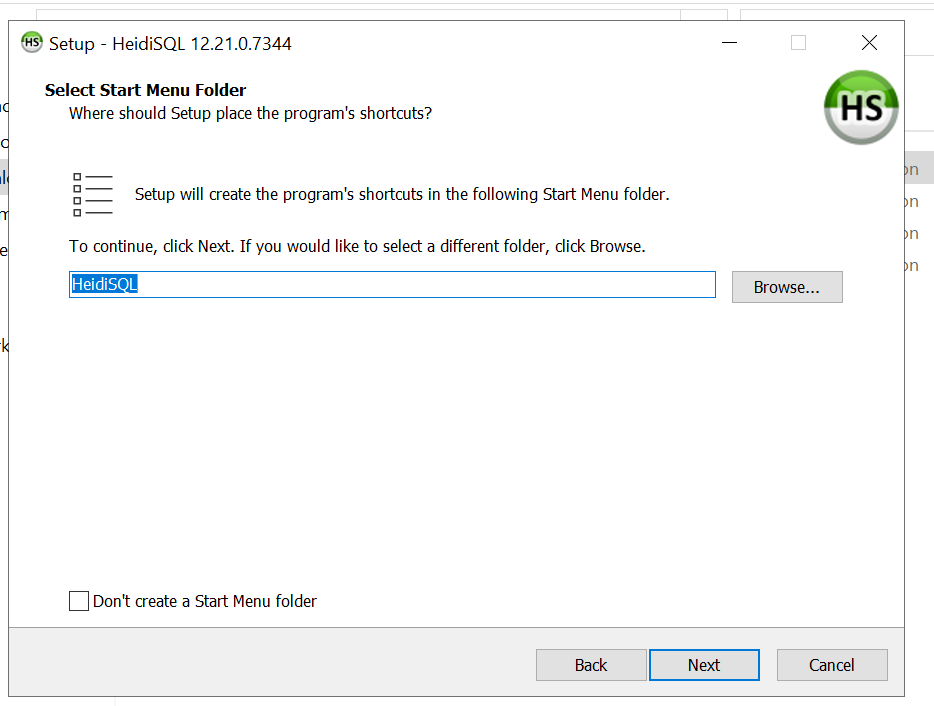
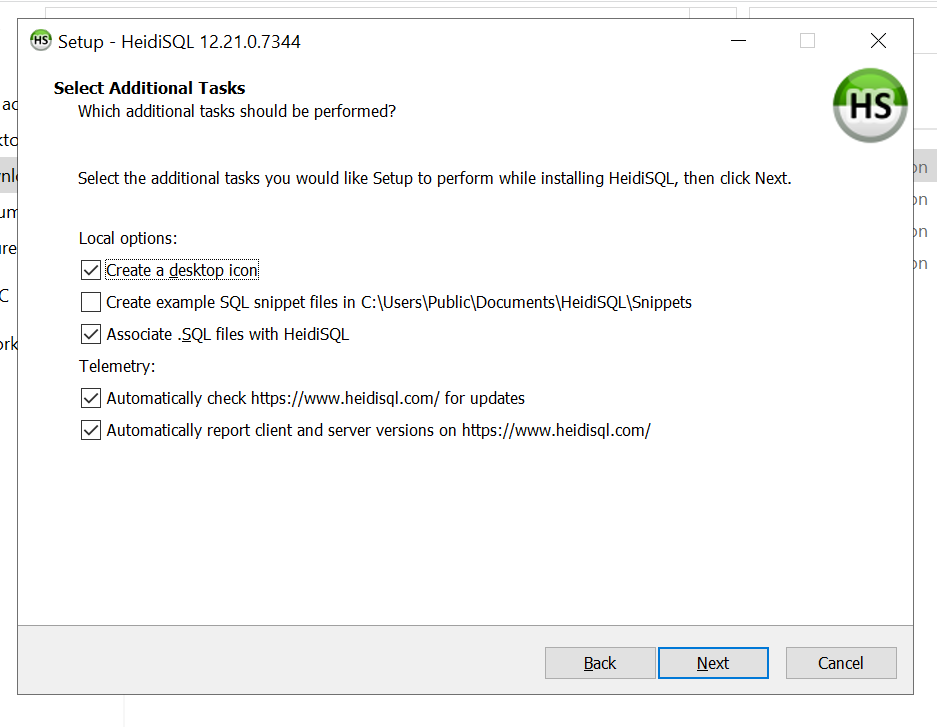
Click next on the start menu folder page and click next on the select additional tasks page !
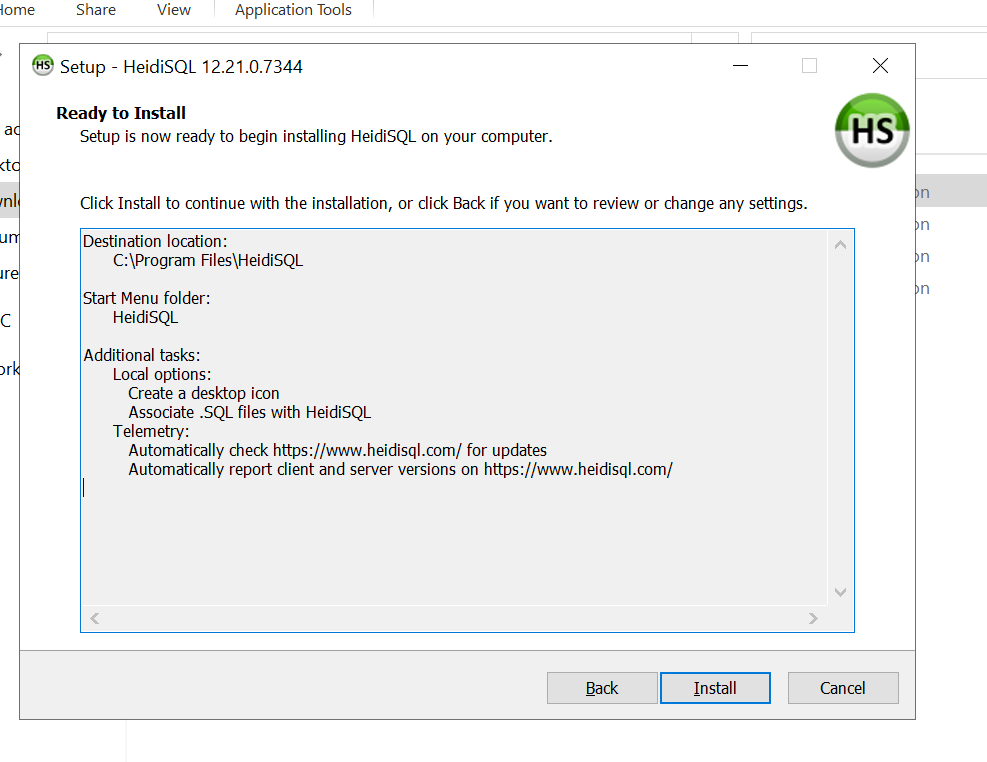
Then Click Install !
Finished!
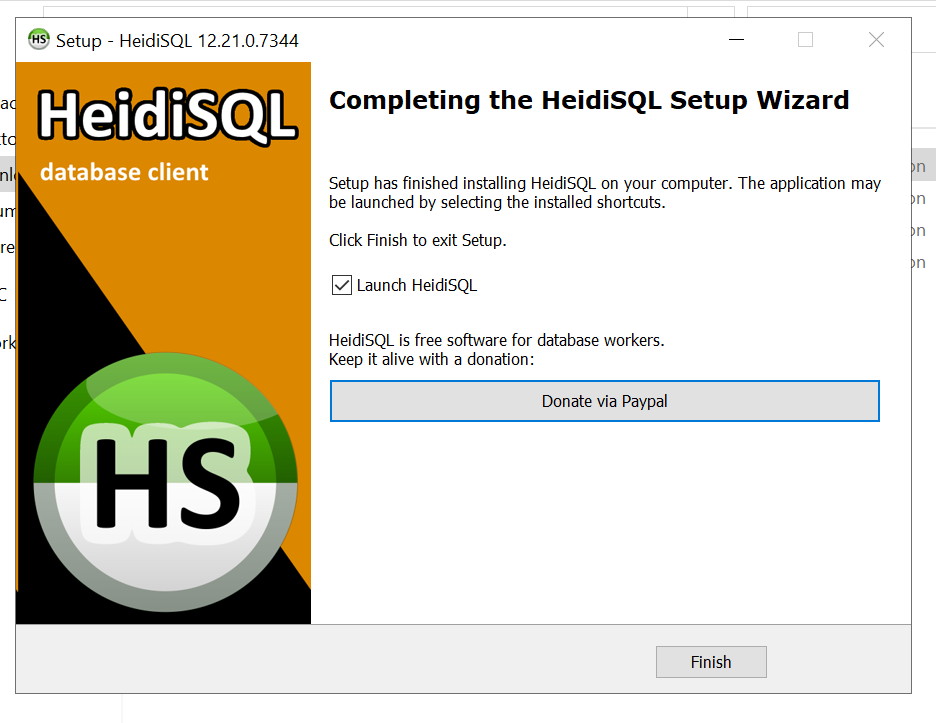
You have now successfully installed Heidi Sql on your computer! just press finish on the completing the heidi sql setup wizard
You can now use Heidi Sql to manage Multiple database for various games or applications.
Now you want to set up your Heidi Sql to manage your fivem Server! or other applications
open heidi sql and press new !
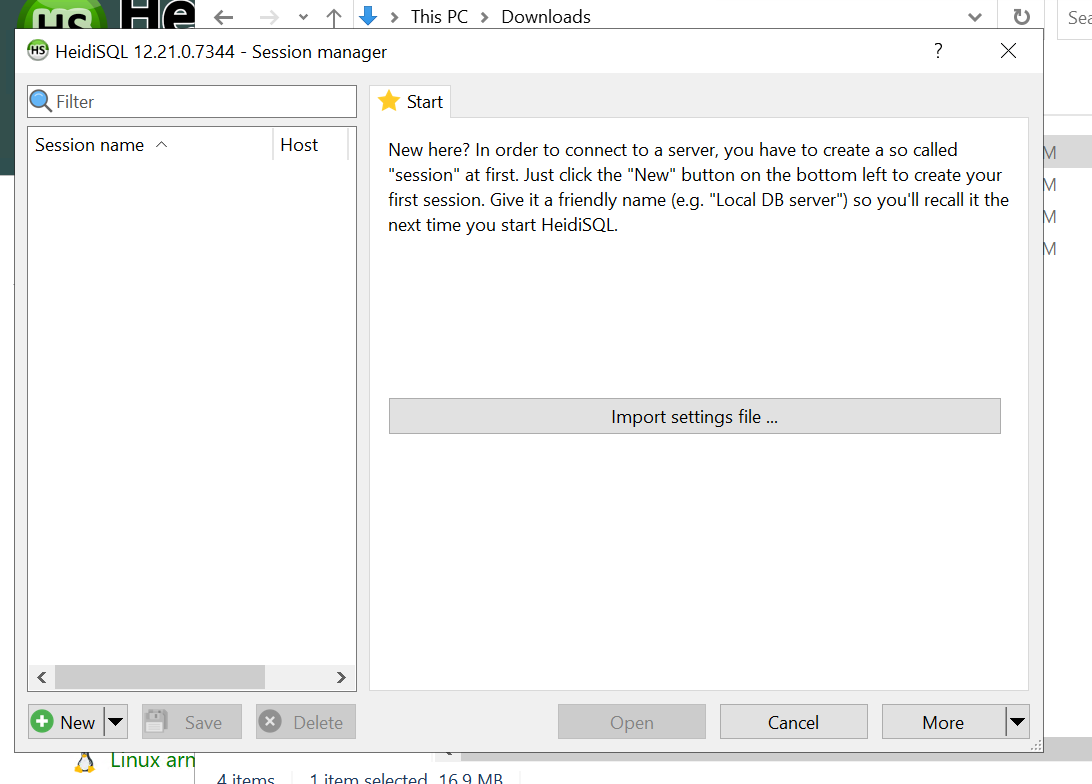
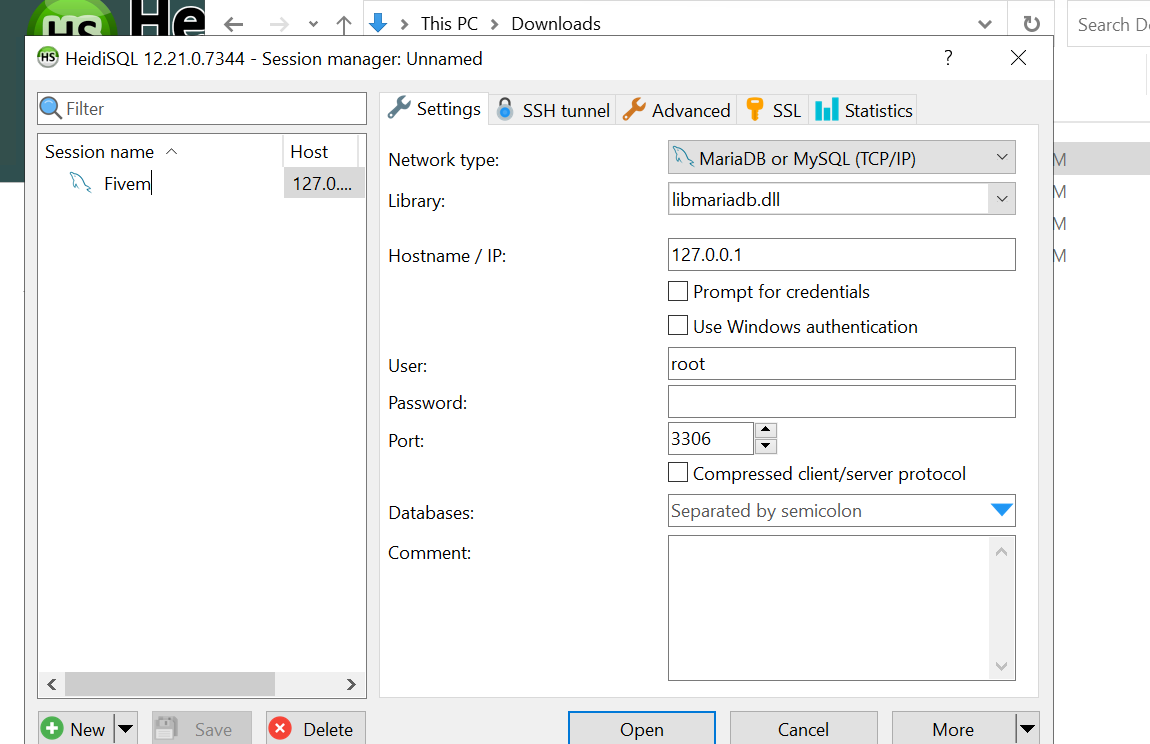
Name it whatever i named mine fivem ! after you name it simply press open and your ready to set up your fivem server or other applications
NEED HELP?
If you run into any issues during setup, our support team is here to help.
For assistance, you can:
Join our Discord support server: https://discord.gg/JwnumEWEq6
Or log in to the Client Area - CloudStrikeHosting and open a support ticket.
Whether you have questions about your VPS, need help troubleshooting, or need assistance with your account, we're happy to help get you up and running as quickly as possible.